SPECTRA
Terminal Music Visualiser for macOS
macOS用ターミナル音楽ビジュアライザー
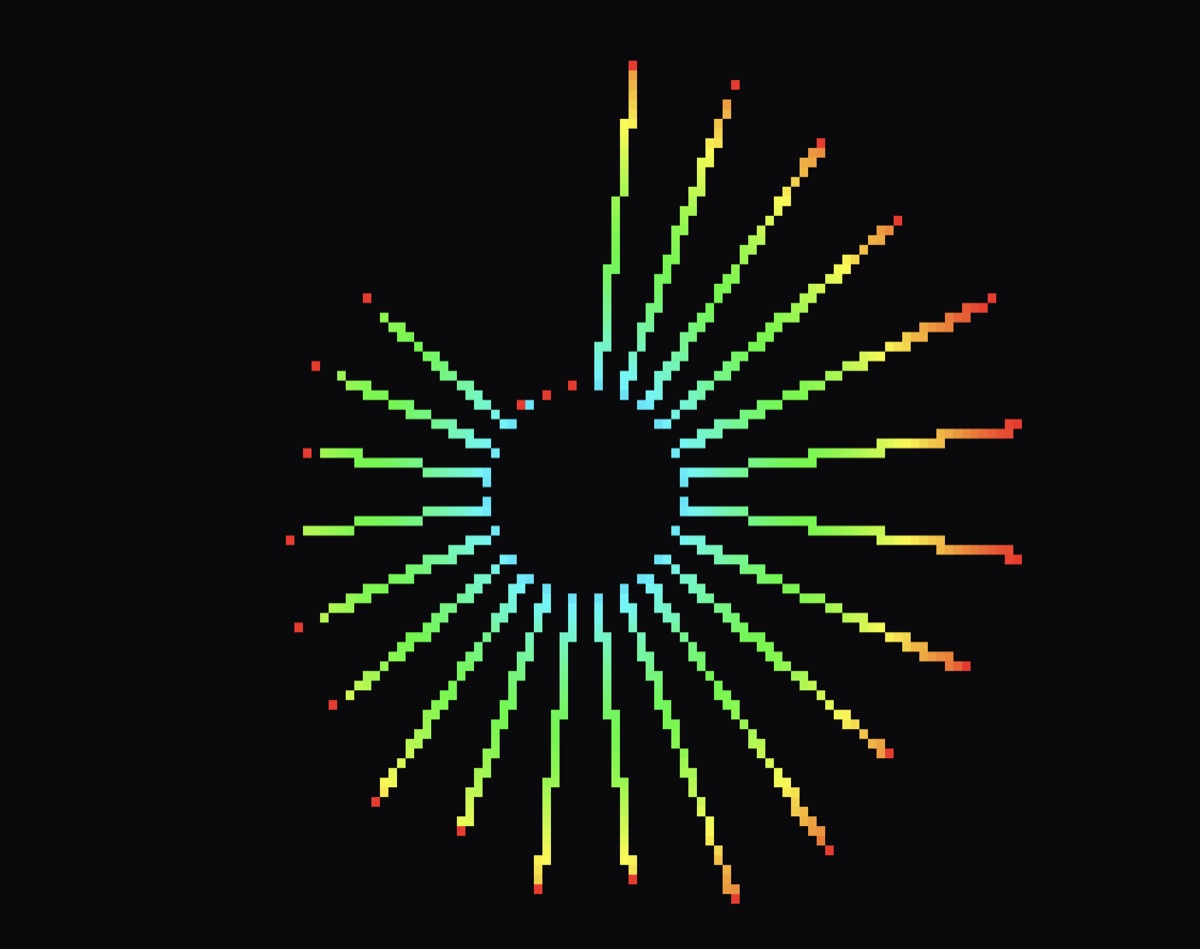
Overview
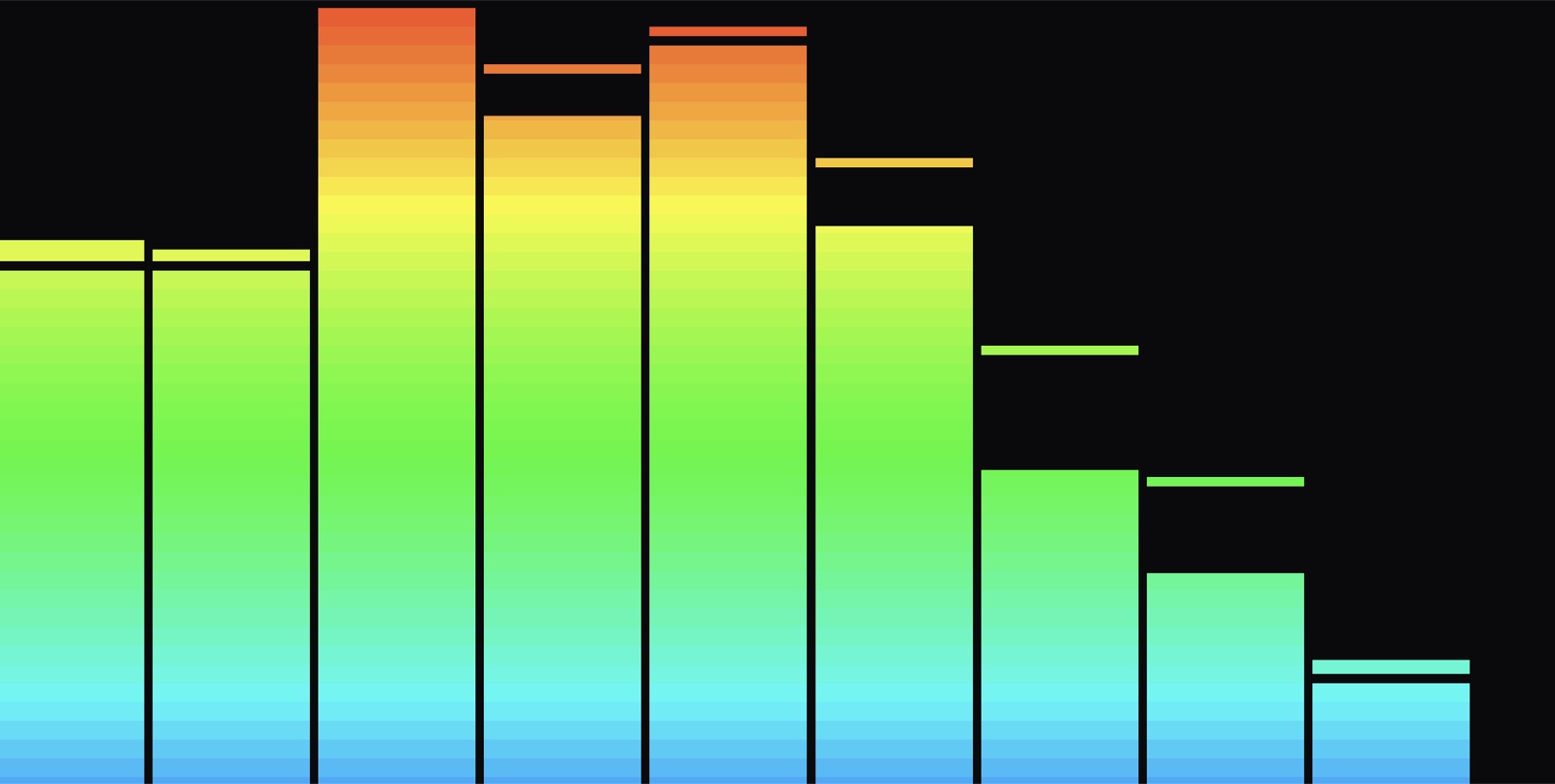
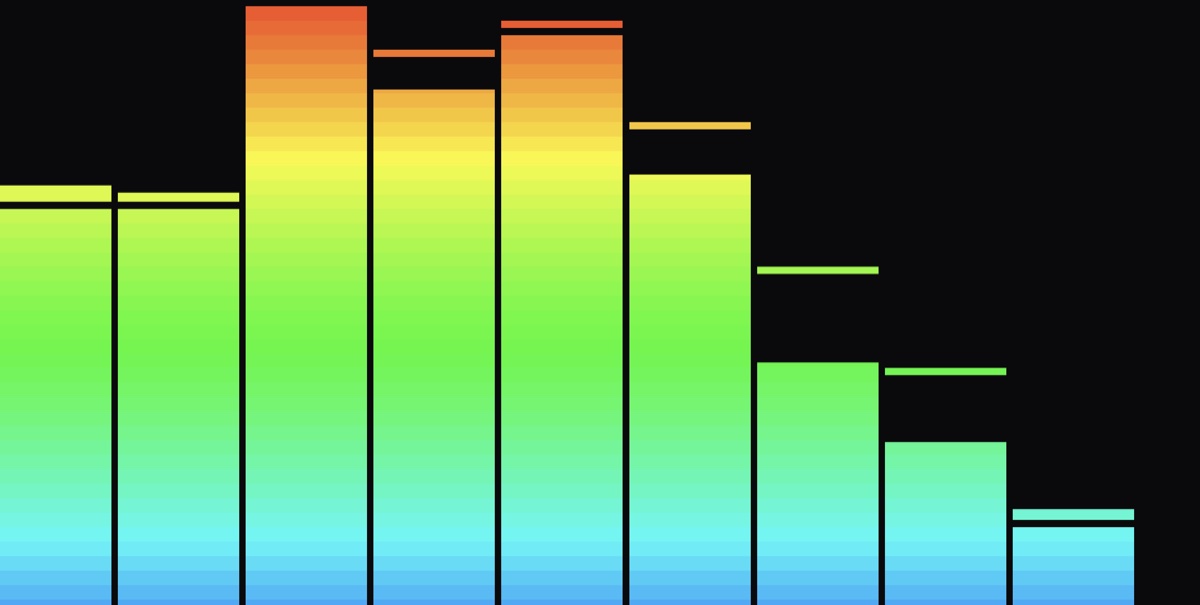
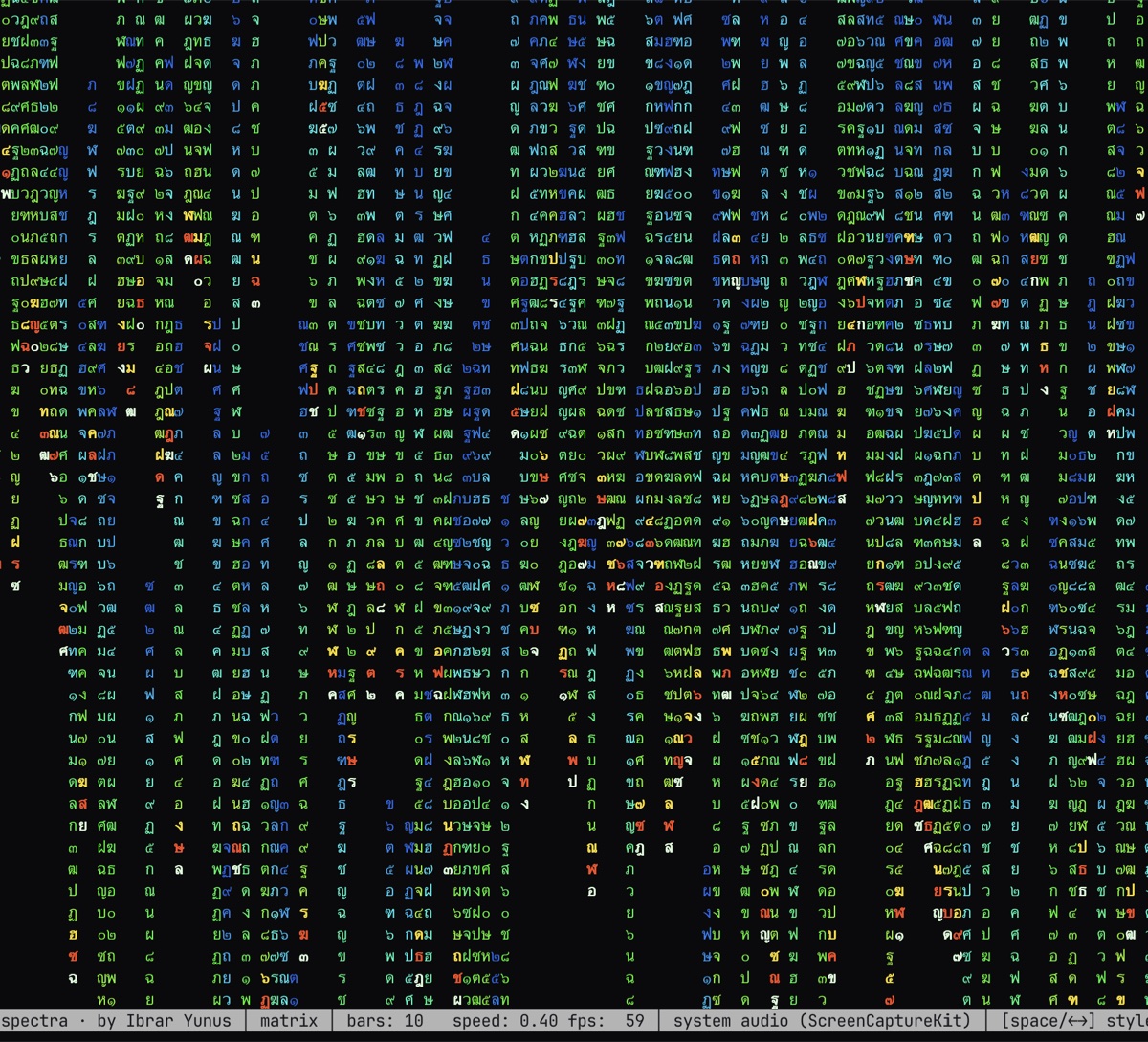
概要Most audio visualisers are heavy GUI apps. Spectra lives in your terminal — it taps your Mac's system audio and renders a live spectrum right there in the TUI, installable in one line.
オーディオビジュアライザーの多くは重いGUIアプリです。Spectraはターミナルの中で動きます。Macのシステム音声を取り込み、TUIの中でリアルタイムにスペクトルを描画し、コマンド一行でインストールできます。
I wanted a beautiful visualiser that ran where I already work — the terminal — and that shipped as a genuine, installable tool rather than a screenshot in a repo.
普段作業しているターミナルの中で動く美しいビジュアライザーが欲しく、リポジトリのスクリーンショットではなく、実際にインストールできるツールとして公開したいと考えました。
How it was built
開発It captures system audio through a thin Swift ScreenCaptureKit shim, runs an FFT in Rust with rustfft, and draws the spectrum with ratatui in real time.
SwiftでScreenCaptureKitを使う小さなシムでシステム音声を取り込み、Rustのrustfftで高速フーリエ変換(FFT)を行い、ratatuiでスペクトルをリアルタイムに描画します。
What it does
機能A small Swift ScreenCaptureKit shim taps whatever is playing on the system — no virtual cables required.
ScreenCaptureKitを使う小さなSwiftのシムで、システムで再生中の音を取り込みます。仮想オーディオケーブルは不要です。
cpal feeds samples into rustfft to produce a live frequency spectrum, frame by frame.
cpalで取得したサンプルをrustfftに渡し、周波数スペクトルをフレームごとにリアルタイムで生成します。
Rendered entirely with ratatui — the whole visualiser runs inside your terminal.
すべてratatuiで描画しており、ビジュアライザー全体がターミナルの中で動きます。
Shipped through a Homebrew tap: brew tap, brew install, done.
Homebrewのtapで配布しています。brew tap、brew installで完了です。
Under the hood
技術の詳細System audio into an FFTシステム音声をFFTへ
A thin Swift ScreenCaptureKit shim taps whatever's playing on macOS — no virtual audio cables — and cpal feeds the samples into rustfft to produce a live frequency spectrum, frame by frame.
ScreenCaptureKitを使う小さなSwiftのシムが、macOSで再生中の音を仮想オーディオケーブルなしで取り込みます。cpalがそのサンプルをrustfftに渡し、周波数スペクトルをフレームごとにリアルタイムで生成します。
It lives in the terminalターミナルの中で動く
The whole visualiser is rendered with ratatui, so it runs where I already work, and it ships through a Homebrew tap as a one-line install. The smallest thing in the archive and one of my favourites — shipped beats unreleased.
ビジュアライザー全体をratatuiで描画しているため、普段作業している場所でそのまま動きます。Homebrewのtapで、一行でインストールできます。この一覧の中でいちばん小さく、いちばん気に入っているものの一つです。未公開のものより、公開したものに価値があります。
Stack
技術構成Spectra is Rust (cpal, rustfft, ratatui, rodio) with a small Swift shim for ScreenCaptureKit system-audio capture on macOS. It is distributed via Homebrew — 'brew tap IbrarYunus/spectra; brew install spectra-vis'.
SpectraはRust(cpal、rustfft、ratatui、rodio)で作られており、macOSのシステム音声を取り込むためにScreenCaptureKitを使う小さなSwiftのシムを組み合わせています。Homebrewで配布しています(「brew tap IbrarYunus/spectra; brew install spectra-vis」)。
Where it is now
現状と今後Spectra is genuinely shipped — installable via a Homebrew tap and running its real-time FFT in the terminal today. Additional visual modes are the natural next step for something this small and self-contained.
Spectraは実際に公開済みです。Homebrewのtapでインストールでき、ターミナルの中でリアルタイムのFFTが動いています。小さく完結したツールなので、次は表示モードを増やすのが自然な一歩です。
Spectra is the smallest thing in this archive and one of my favourites — a reminder that 'shipped and installable' beats 'big and unreleased' every time.
Spectraはこの一覧の中でいちばん小さなツールで、いちばん気に入っているものの一つです。「公開されてインストールできる」ことは、「大きいけれど未公開」よりも常に価値があると教えてくれます。