NAQSH
A Designer's Terminal Emulator
デザイナーのためのターミナルエミュレーター
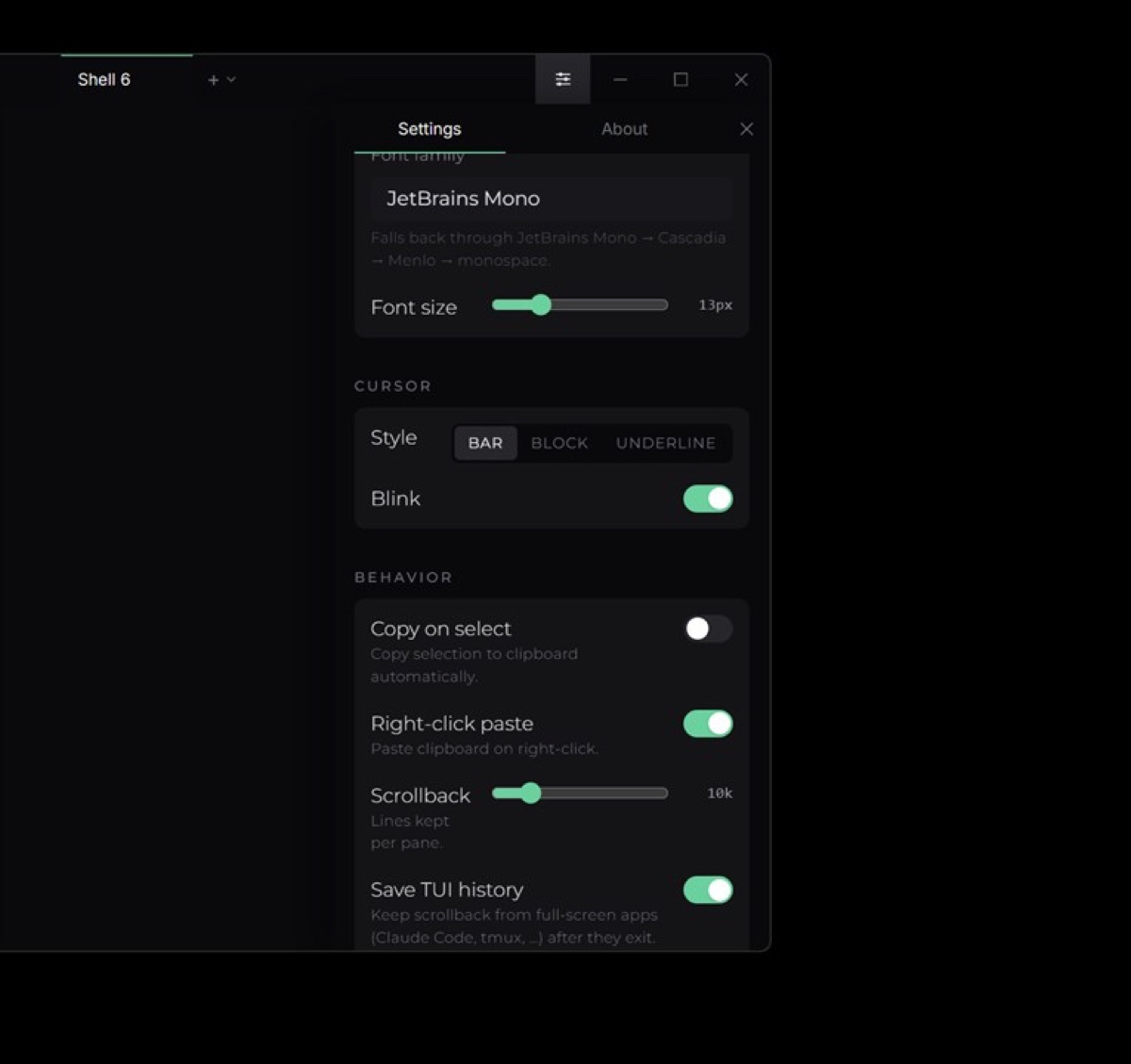
Overview
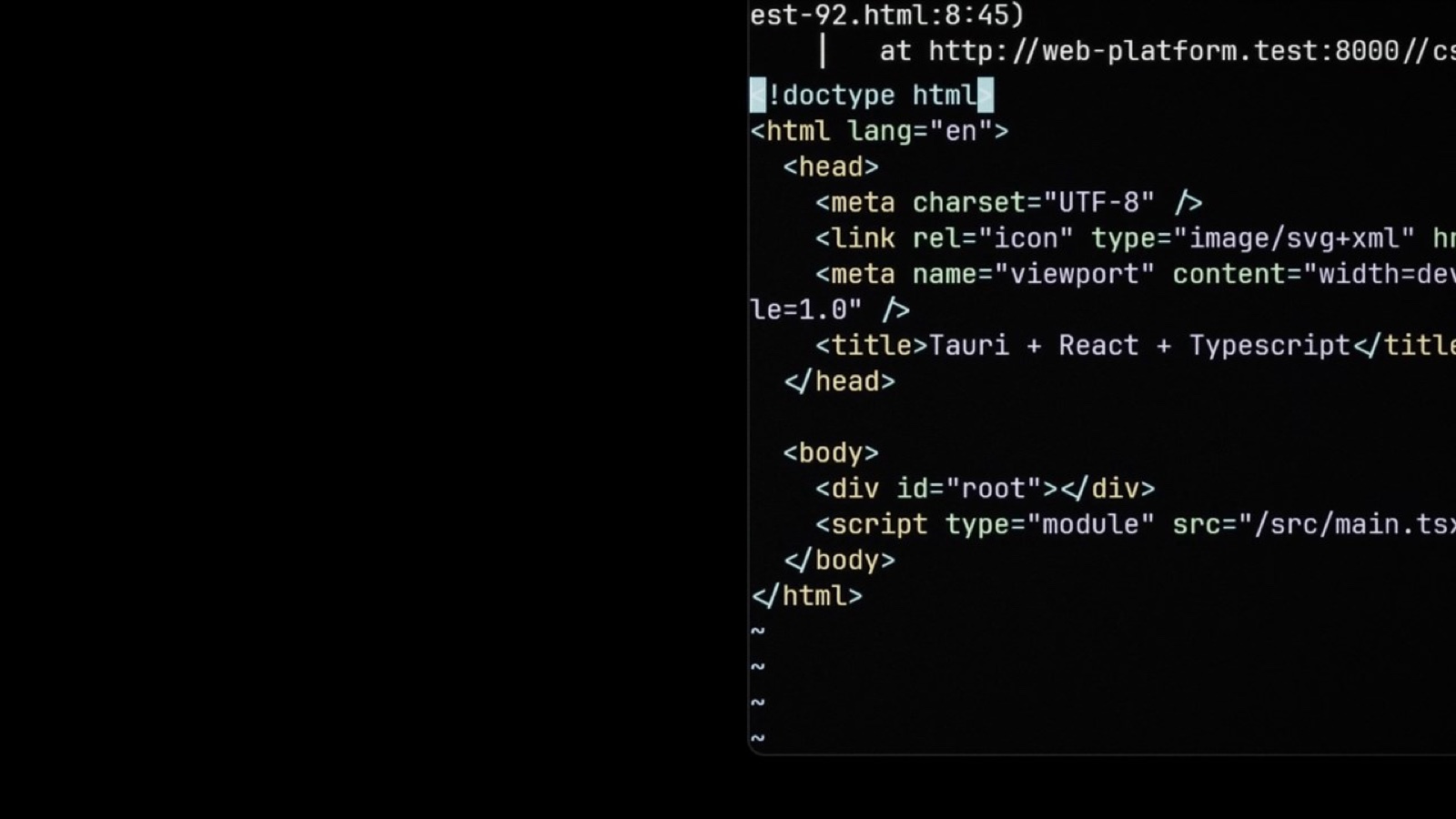
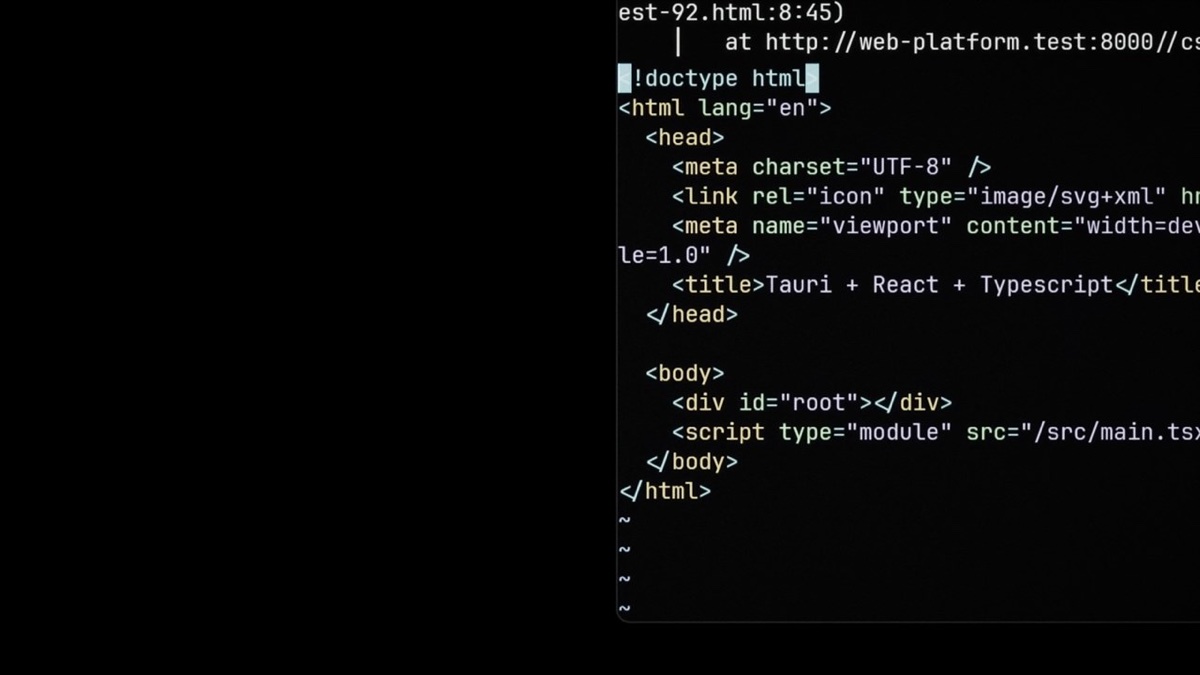
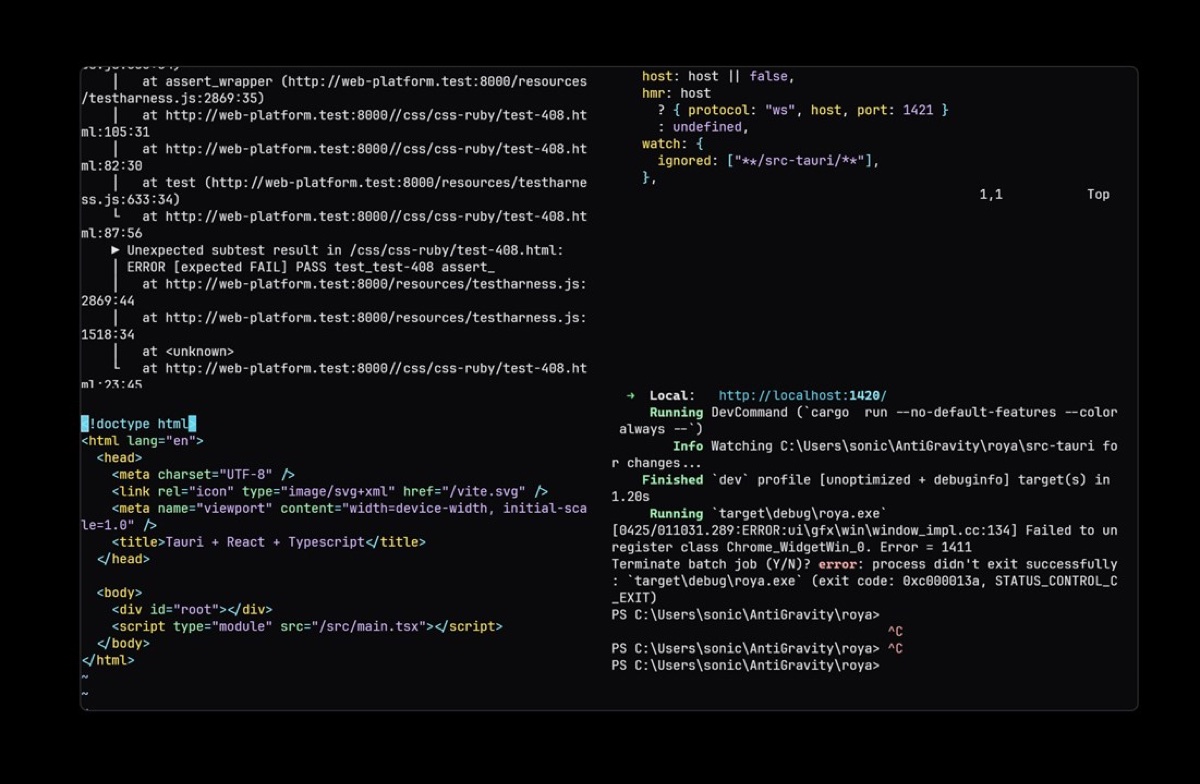
概要Terminals are where developers live, yet most look like an afterthought. Naqsh (Urdu for 'inscription') is a borderless terminal emulator with a designer's eye — quiet typography by default, with an optional CRT vignette, scanlines and per-character phosphor glow when you want the showmanship.
ターミナルは開発者が一日の大半を過ごす場所なのに、見た目は後回しにされがちです。Naqsh(ウルドゥー語で「刻まれた文字」の意)は、デザイナーの目線で作ったボーダーレスなターミナルエミュレーターです。普段は控えめなタイポグラフィで、演出が欲しいときだけ、CRT風のビネット、走査線、文字ごとの蛍光の光を加えられます。
I wanted a terminal that was beautiful by default but never got in the way — restraint first, theatre on request.
標準の状態で美しく、それでいて決して作業の邪魔をしないターミナルが欲しかったのです。まずは控えめに、演出は必要なときだけ。
How it was built
開発Built on xterm.js for full ANSI/VT support over a Rust portable-pty backend, with tabs, splits, ligatures, image paste and shell auto-detection — then packaged as MSIX for the Microsoft Store and as a Developer-ID-signed, Apple-notarized DMG for Apple Silicon.
xterm.jsで完全なANSI/VTに対応し、バックエンドにはRustのportable-ptyを使っています。タブ、分割、合字、画像の貼り付け、シェルの自動検出を備え、Microsoft Store向けにはMSIXとして、Apple Silicon向けにはDeveloper ID署名・Apple公証済みのDMGとしてパッケージ化しています。
What it does
機能Curated themes, ligatures and an optional CRT layer — vignette, scanlines, per-character glow keyed to your palette.
厳選したテーマ、合字、そしてオプションのCRTレイヤー。ビネット、走査線、パレットに合わせた文字ごとの光を加えられます。
Tabs, horizontal and vertical splits, drag-to-resize panes, and a keyboard-first zen mode.
タブ、左右・上下の分割、ドラッグでのサイズ変更、キーボード操作中心の集中モード。
xterm.js ANSI/VT, 24-bit truecolour, Unicode, mouse and bracketed paste — even image paste.
xterm.jsによるANSI/VT、24ビットのトゥルーカラー、Unicode、マウス、ブラケットペースト、さらに画像の貼り付けにも対応します。
A roughly 10MB Tauri / Rust binary — MSIX-packaged for the Microsoft Store and shipped as a signed, Apple-notarized DMG for macOS.
約10MBのTauri/Rustバイナリです。Microsoft Store向けにMSIXでパッケージ化し、macOS向けには署名・Apple公証済みのDMGとして配布しています。
Under the hood
技術の詳細xterm.js over a Rust PTYRust PTYの上で動くxterm.js
Full ANSI/VT, 24-bit truecolour, Unicode, mouse and bracketed paste come from xterm.js 6 running over a Rust portable-pty backend, with shell auto-detection across pwsh, cmd, WSL, bash, zsh and fish. It's a real terminal, not a toy.
完全なANSI/VT、24ビットのトゥルーカラー、Unicode、マウス、ブラケットペーストは、Rustのportable-ptyバックエンド上で動くxterm.js 6によるものです。pwsh、cmd、WSL、bash、zsh、fishのシェルを自動検出します。おもちゃではなく、本物のターミナルです。
Designer detailsデザインの細部
Tabs, splits and drag-to-resize panes sit under an optional CRT layer — vignette, scanlines and per-character phosphor glow keyed to your palette — plus curated themes and ligatures. At around a 10MB binary, it's packaged as MSIX for the Microsoft Store and as a signed, Apple-notarized DMG for Apple Silicon.
タブ、分割、ドラッグでサイズ変更できるペインの上に、オプションのCRTレイヤー(ビネット、走査線、パレットに合わせた文字ごとの蛍光の光)を重ね、厳選したテーマと合字も備えています。約10MBのバイナリで、Microsoft Store向けにはMSIX、Apple Silicon向けには署名・Apple公証済みのDMGとしてパッケージ化しています。
Stack
技術構成Naqsh is Tauri 2 with a Rust backend (portable-pty, sysinfo) and a React 19 + xterm.js 6 front end on Vite and Tailwind, packaged as MSIX for the Microsoft Store and as a hardened-runtime, Developer-ID-signed and Apple-notarized DMG for Apple Silicon. It is featured in my CV alongside Andhera.
NaqshはTauri 2で、バックエンドはRust(portable-pty、sysinfo)、フロントエンドはReact 19とxterm.js 6をViteとTailwindで構築しています。Microsoft Store向けにはMSIXとして、Apple Silicon向けにはHardened Runtime・Developer ID署名・Apple公証済みのDMGとしてパッケージ化しています。履歴書ではAndheraとともに紹介しています。
Where it is now
現状と今後Naqsh is polished and cross-platform — MSIX-packaged for the Microsoft Store and shipped as a signed, Apple-notarized DMG for Apple Silicon, at around a 10MB binary. With splits, ligatures, image paste and the CRT layer already in, the next moves are a universal (Intel + Apple Silicon) build and Linux packaging.
Naqshは完成度が高く、クロスプラットフォームに対応しています。Microsoft Store向けにMSIXでパッケージ化し、Apple Silicon向けには署名・Apple公証済みのDMGとして、約10MBのバイナリで配布しています。分割、合字、画像の貼り付け、CRTレイヤーはすでに搭載しており、次はユニバーサル(IntelとApple Silicon)ビルドとLinux向けのパッケージです。
Naqsh is proof that developer tools deserve design too — quiet typography, with the showmanship saved for when you actually want it.
Naqshは、開発ツールにもデザインが必要だという証明です。普段は静かなタイポグラフィで、演出は本当に欲しいときのために取っておきます。