AFTERIMAGE
Nine Glitch Effects for DaVinci Resolve
DaVinci Resolve用の9種類のグリッチエフェクト
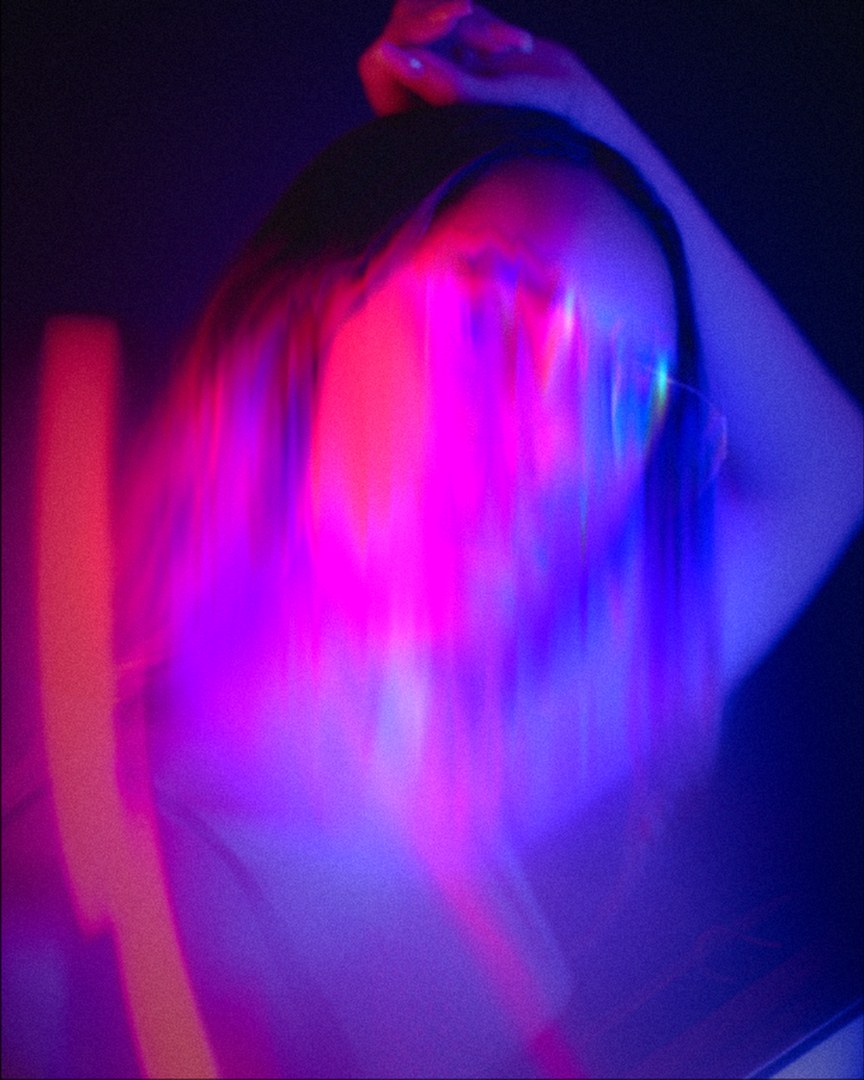
Overview
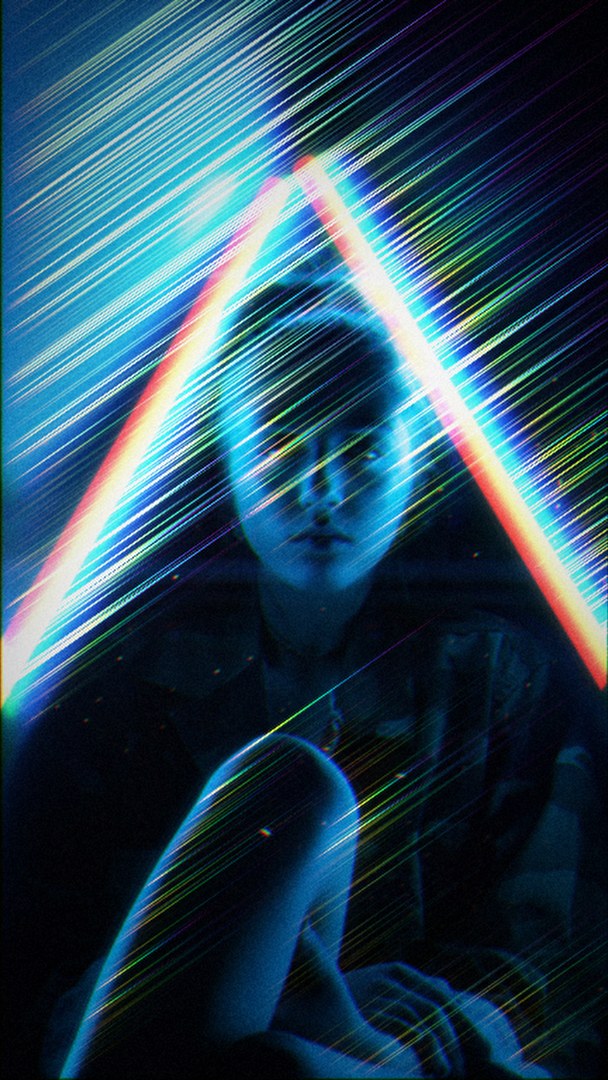
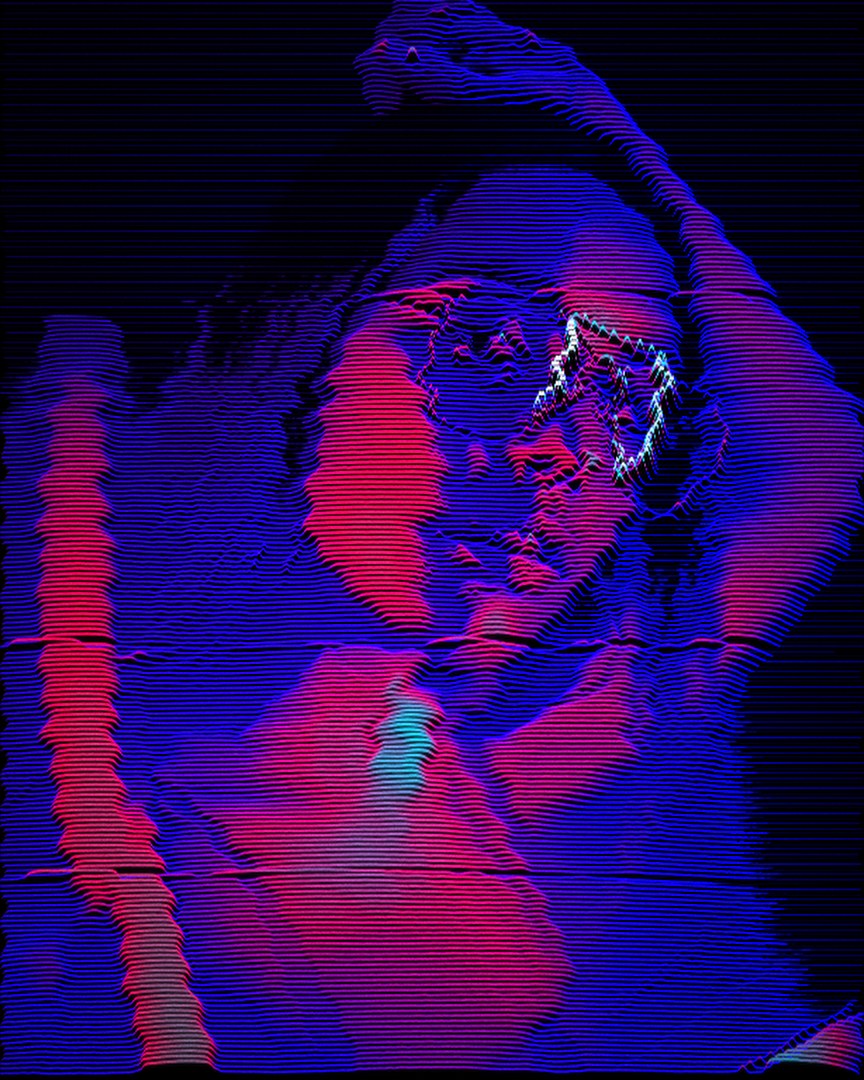
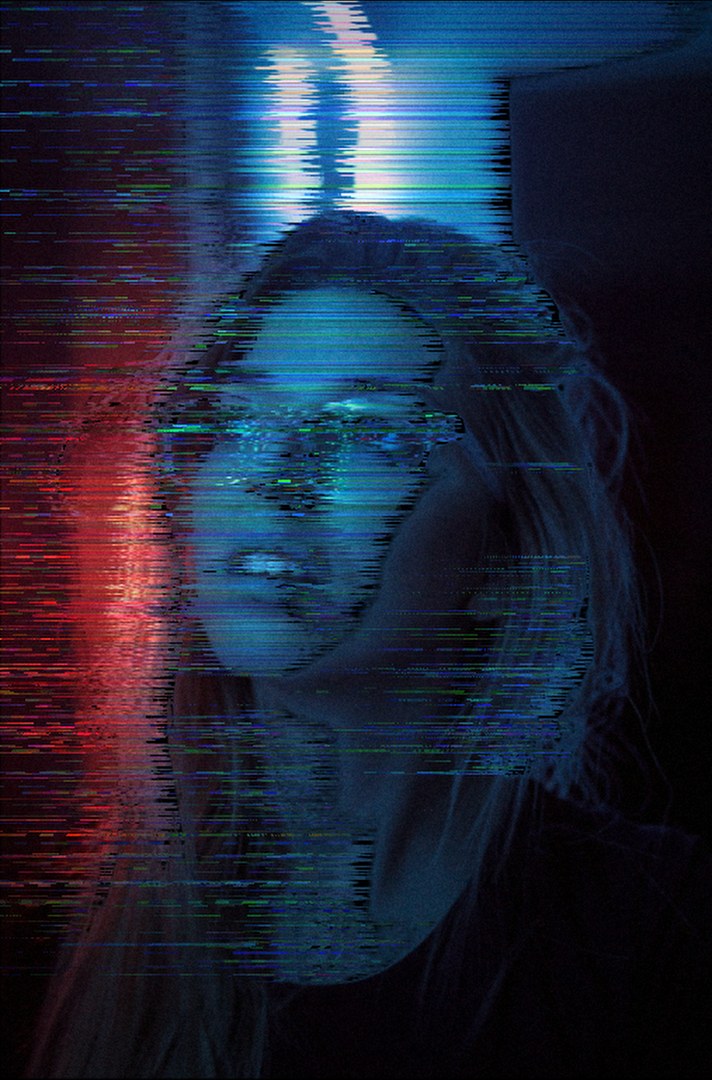
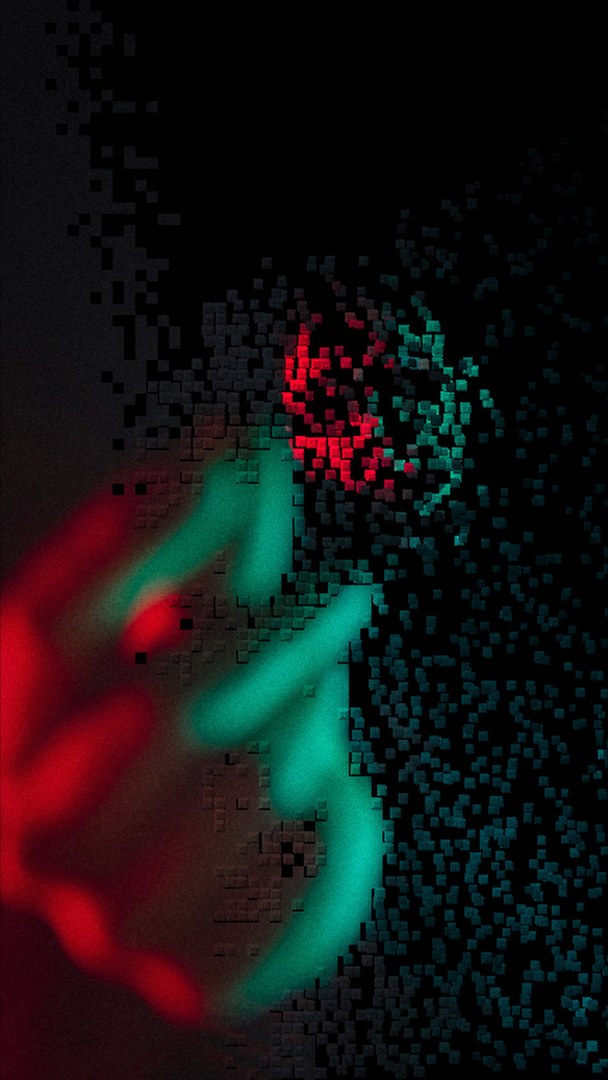
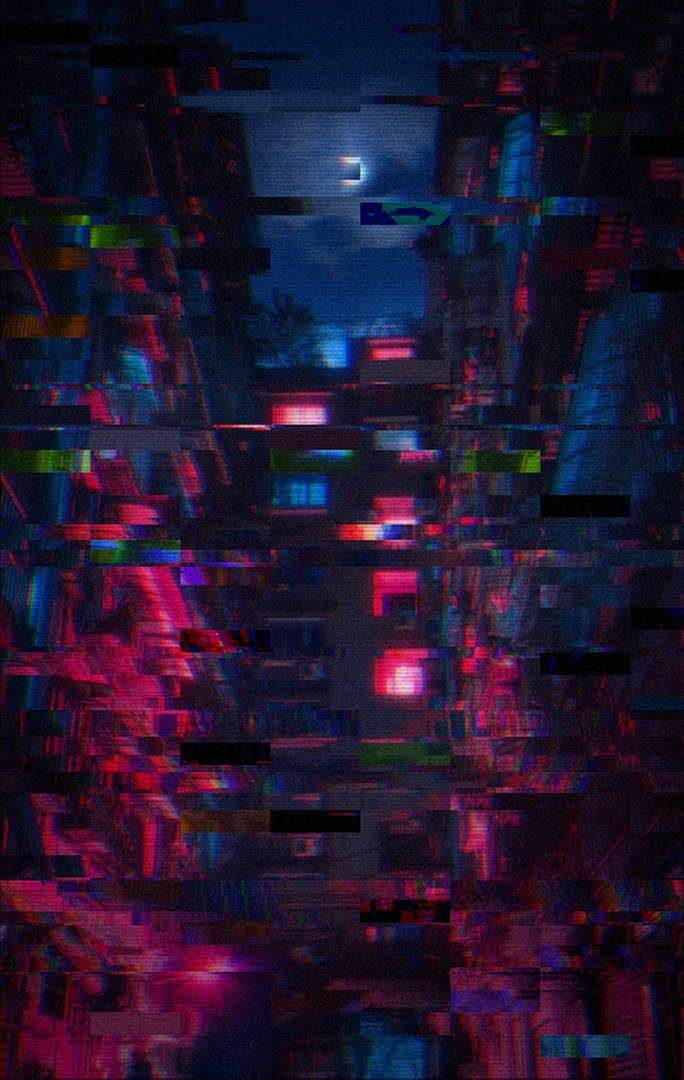
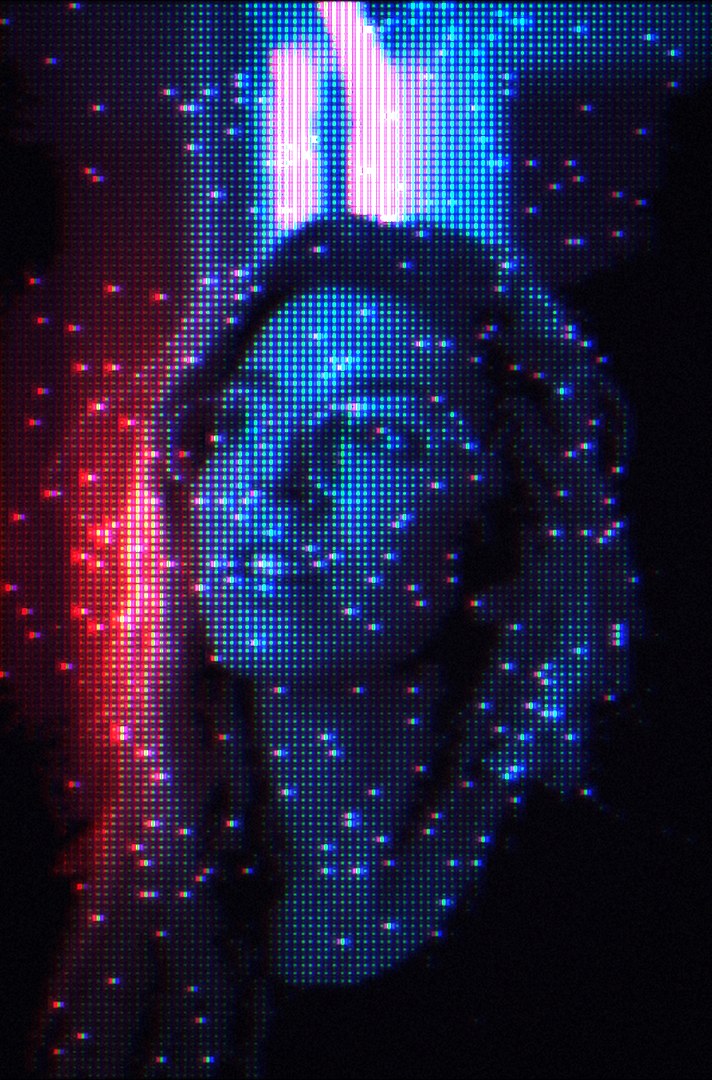
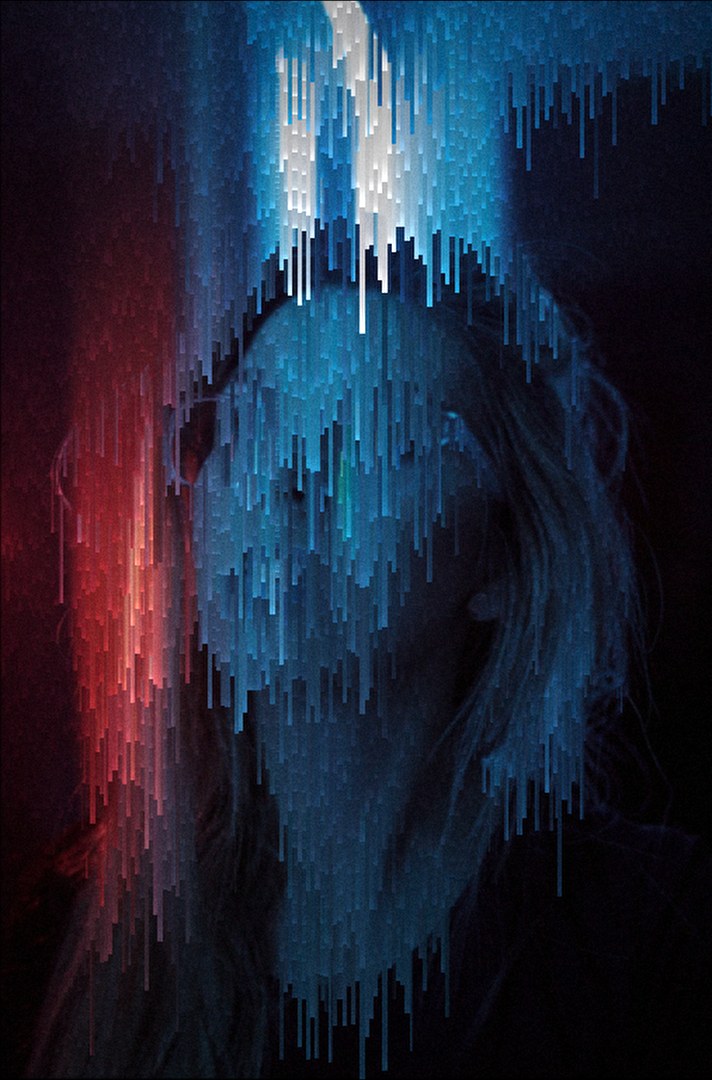
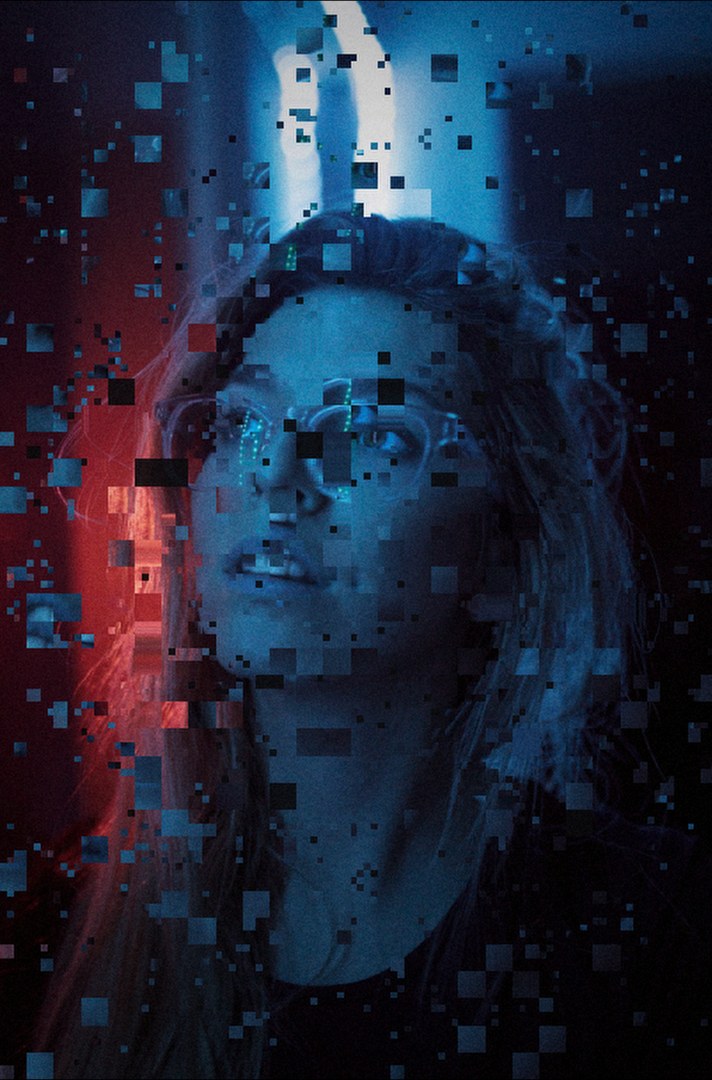
概要Nine glitch effects for DaVinci Resolve: Prism, Scanline, Smear, Voxel, Slice, Dots, Melt, Mosh and Spectra. All run on the GPU, and all drag and drop onto a clip on the Edit page. Coming soon.
DaVinci Resolve用の9種類のグリッチエフェクト:Prism、Scanline、Smear、Voxel、Slice、Dots、Melt、Mosh、Spectra。すべてGPUで動作し、エディットページでクリップにドラッグ&ドロップするだけで使えます。近日公開。
For filmmakers and creators who shoot after dark. Most glitch packs are a handful of presets with one or two sliders. Afterimage gives each effect enough controls to make it your own look, and keeps it fast enough to scrub on a laptop.
How it was built
開発Each effect is a Fusion Fuse with its kernel written in DCTL, so Resolve compiles it for Metal, CUDA or OpenCL on whatever GPU you have. A build step inlines a shared library into every fuse: a Finish tab with grain, dither, fade, split tone and vignette, a Region mask to limit the effect to part of the frame, and an Edit-page wrapper so you never have to open the Fusion page. Every effect is test-rendered on the GPU in Resolve Studio 21 through Resolve's scripting API.
各エフェクトはFusionのFuseで、処理部分はDCTLで書いています。そのためResolveが手元のGPUに合わせてMetal・CUDA・OpenCL向けにコンパイルします。ビルド時に共通ライブラリを各Fuseに埋め込み、粒子・ディザ・フェード・スプリットトーン・周辺減光の仕上げタブ、効果をかける範囲を限定するリージョンマスク、Fusionページを開かずに使えるエディットページ用ラッパーを全エフェクトに付けています。すべてのエフェクトは、ResolveのスクリプトAPIを使ってResolve Studio 21のGPUで実際にレンダリングして検証しています。
What it does
機能Light split into a spectrum, rising scan lines, torn pixel rows, drifting cubes, corrupted slices, an LED dot matrix, pixel-sort drips, datamosh blocks and spectral smears.
スペクトルに分かれる光、明るさで浮き上がる走査線、引き裂かれたピクセル、漂うキューブ、破損したスライス、LEDドット、ピクセルソートの滴り、データモッシュ、スペクトルのにじみ。
Kernels in DCTL run on Metal, CUDA or OpenCL, fast enough to scrub the timeline.
DCTLの処理がMetal・CUDA・OpenCLで動き、タイムラインを動かしながら確認できます。
Every effect shows up in the Edit page's Effects library. Drop it on a clip and adjust it in the Inspector.
すべてエディットページのエフェクトライブラリに表示。クリップにドロップしてインスペクタで調整します。
Grain, dither, fade, split tone and vignette on every effect, plus a mask to keep it to one part of the frame.
全エフェクトに粒子・ディザ・フェード・スプリットトーン・周辺減光と、範囲を限定するマスクを搭載。
Stack
技術構成Lua Fuses with DCTL kernels, built from shared source by a Python script and tested by rendering through Resolve's scripting API.
DCTLの処理を持つLuaのFuse。共通ソースからPythonスクリプトでビルドし、ResolveのスクリプトAPIでレンダリングして検証。
A glitch only looks deliberate when every part of it can be controlled.
グリッチが意図した表現に見えるのは、細部まで調整できるときだけ。