SPECTRA
Terminal Music Visualiser for macOS
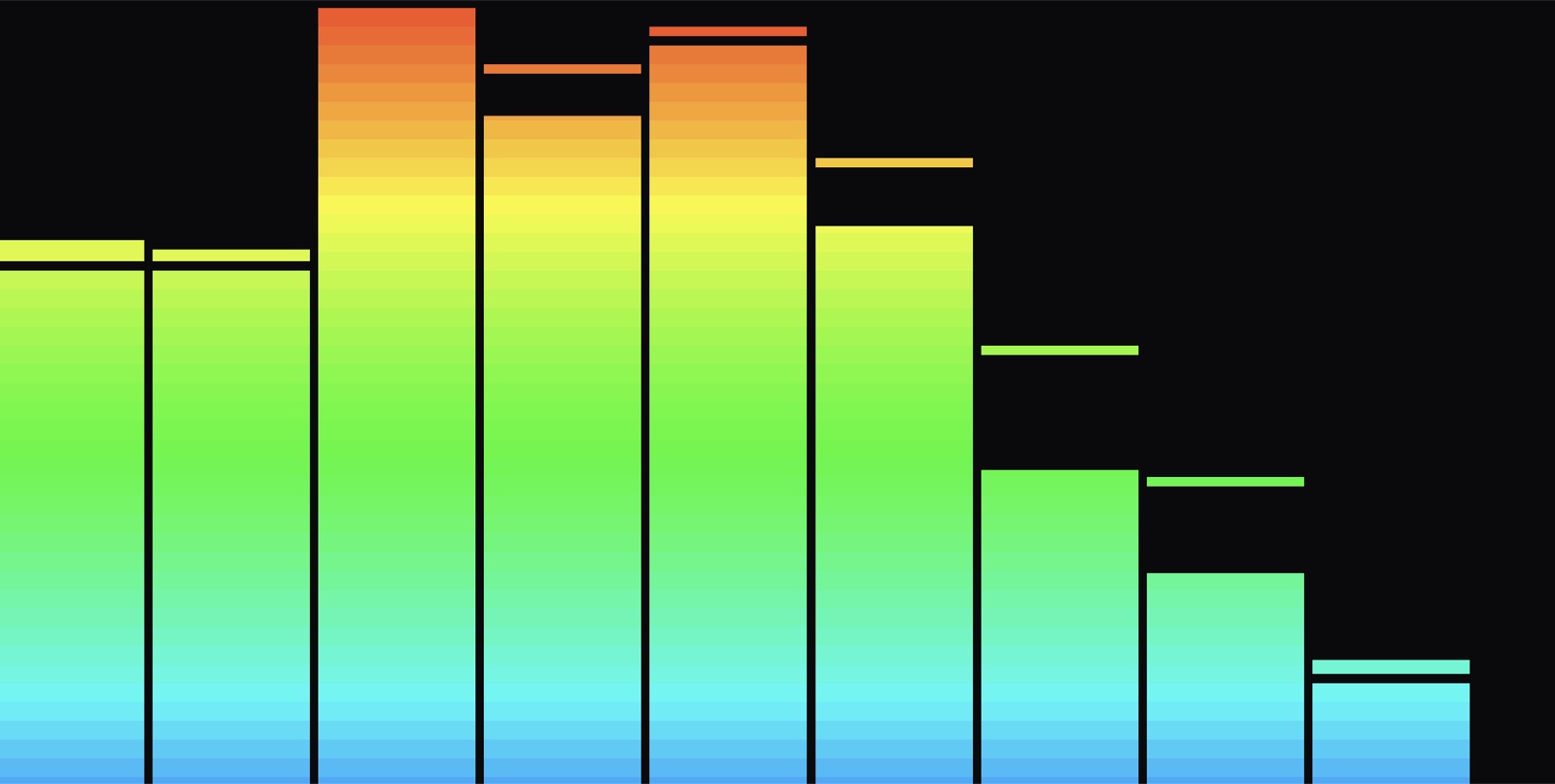
Most audio visualisers are heavy GUI apps. Spectra lives in your terminal — it taps your Mac's system audio and renders a live spectrum right there in the TUI, installable in one line.
Origin Story
I wanted a beautiful visualiser that ran where I already work — the terminal — and that shipped as a genuine, installable tool rather than a screenshot in a repo.
How It's Built
It captures system audio through a thin Swift ScreenCaptureKit shim, runs an FFT in Rust with rustfft, and draws the spectrum with ratatui in real time.
Engineering Notes
System audio into an FFT
A thin Swift ScreenCaptureKit shim taps whatever's playing on macOS — no virtual audio cables — and cpal feeds the samples into rustfft to produce a live frequency spectrum, frame by frame.
It lives in the terminal
The whole visualiser is rendered with ratatui, so it runs where I already work, and it ships through a Homebrew tap as a one-line install. The smallest thing in the archive and one of my favourites — shipped beats unreleased.
Gallery
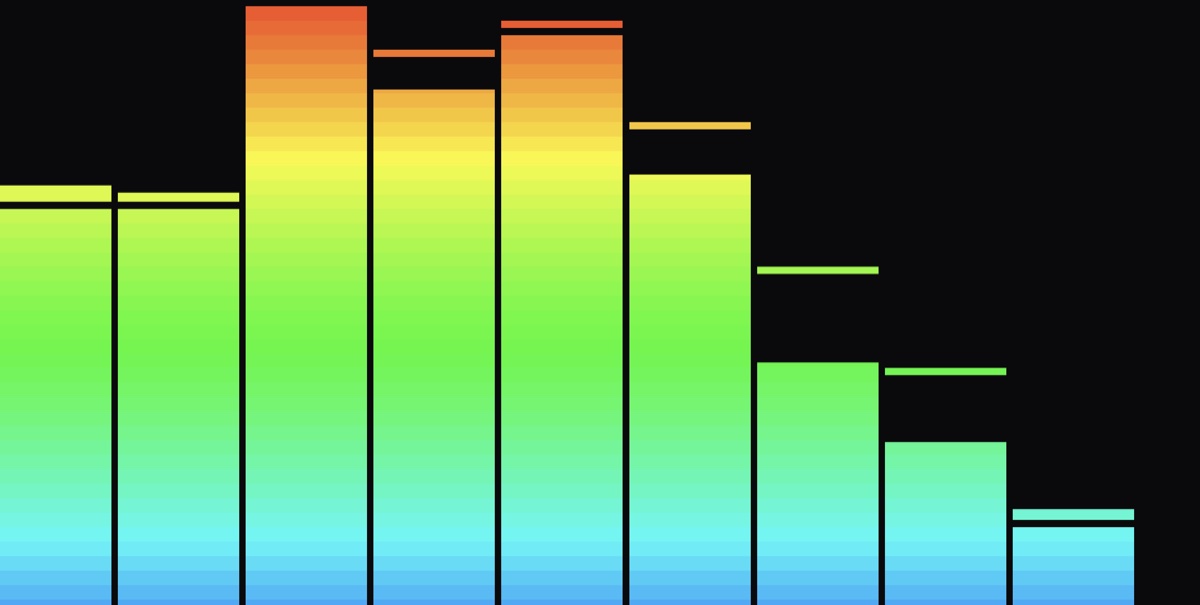
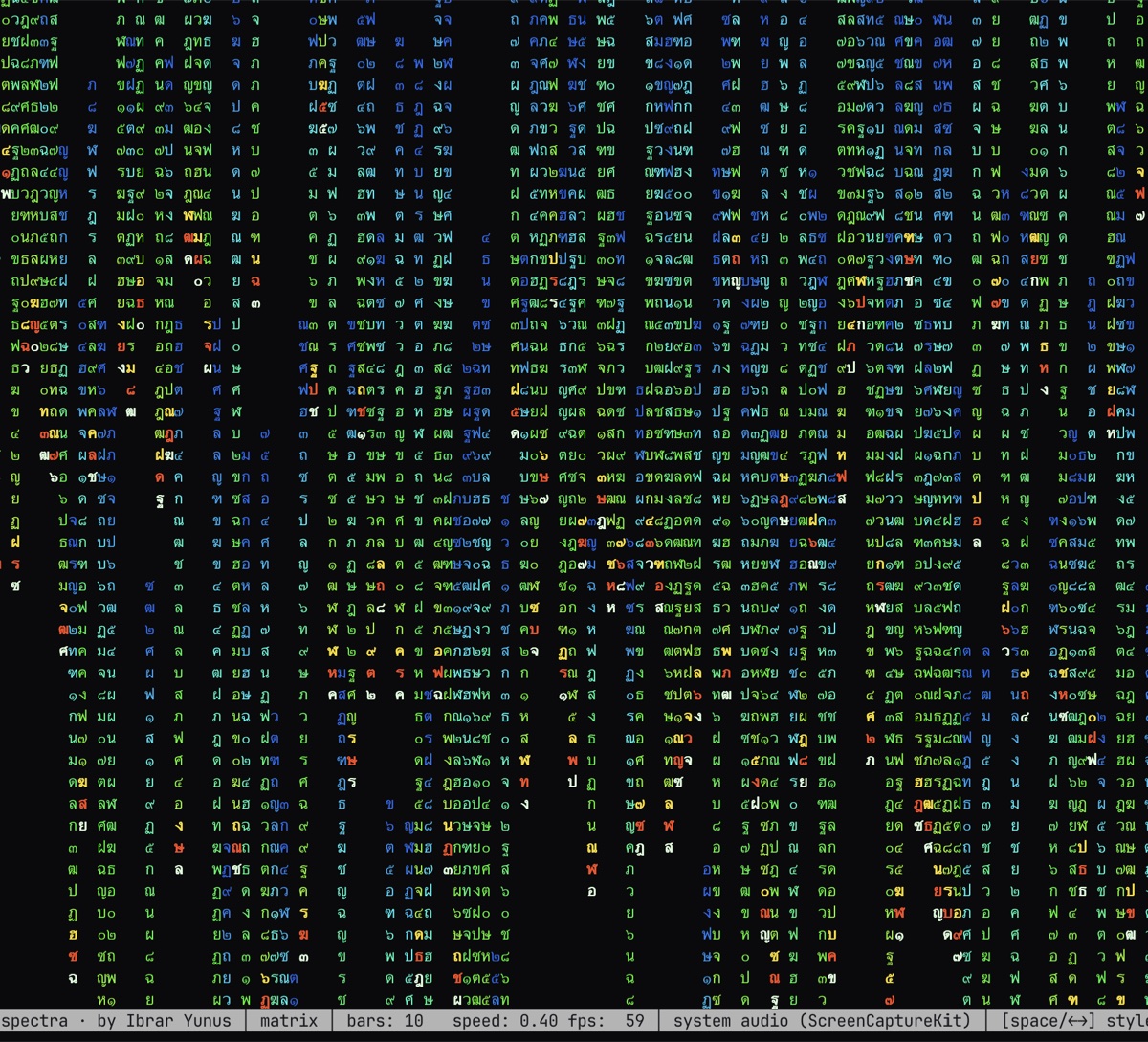
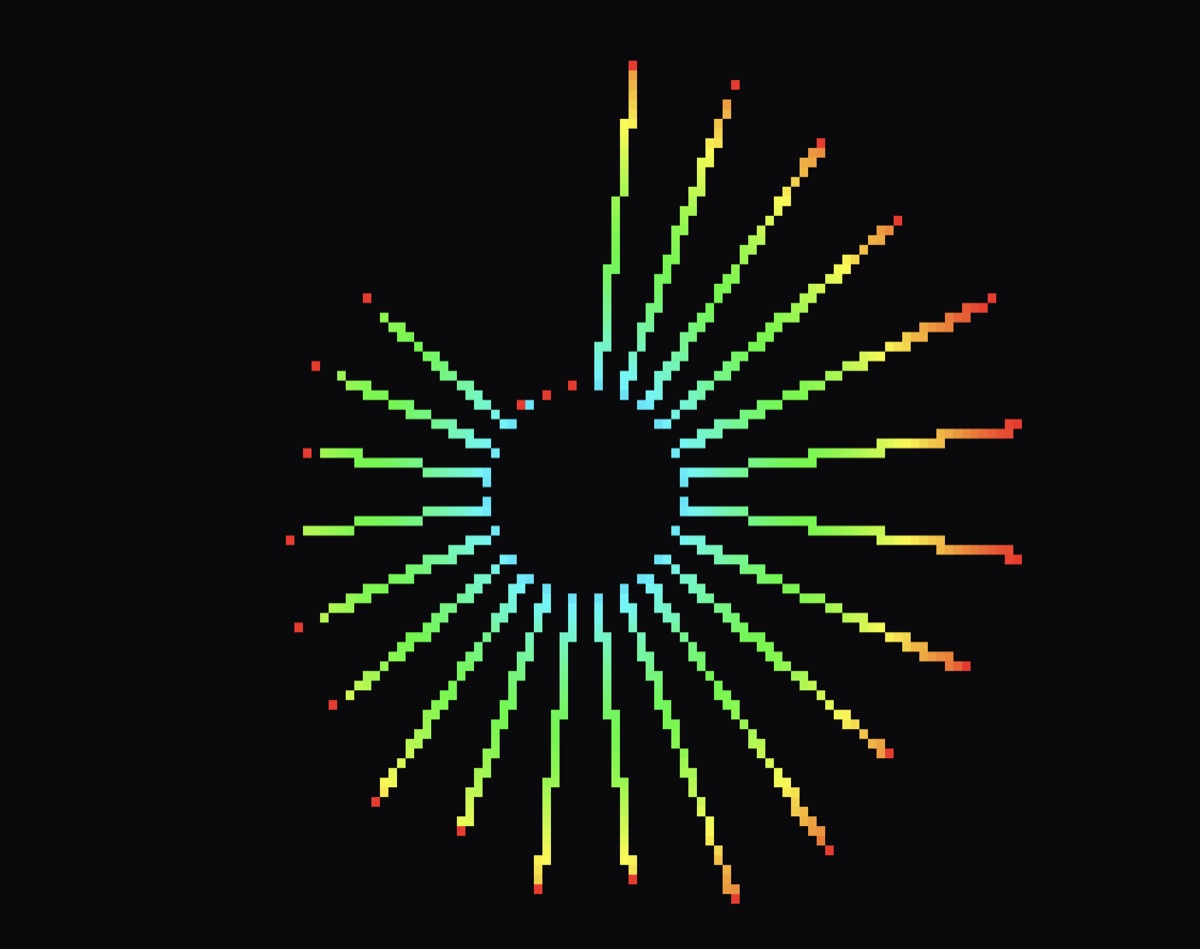
Spectra is the smallest thing in this archive and one of my favourites — a reminder that 'shipped and installable' beats 'big and unreleased' every time.
What It Does
System-Audio Capture
A small Swift ScreenCaptureKit shim taps whatever is playing on the system — no virtual cables required.
Real-Time FFT
cpal feeds samples into rustfft to produce a live frequency spectrum, frame by frame.
Pure TUI
Rendered entirely with ratatui — the whole visualiser runs inside your terminal.
One-Line Install
Shipped through a Homebrew tap: brew tap, brew install, done.
Where It Stands
Spectra is genuinely shipped — installable via a Homebrew tap and running its real-time FFT in the terminal today. Additional visual modes are the natural next step for something this small and self-contained.
Spectra is Rust (cpal, rustfft, ratatui, rodio) with a small Swift shim for ScreenCaptureKit system-audio capture on macOS. It is distributed via Homebrew — 'brew tap IbrarYunus/spectra; brew install spectra-vis'.