MIST IDE
Technical-Brutalist Native macOS IDE
Code editors are usually either beautiful or powerful, rarely both. MIST IDE is a native macOS editor that aims for both — a quiet, brutalist surface sitting over a full git, LSP and terminal engine, with no Electron weight underneath. It now ships as a signed, Apple-notarized download: drag it in and it just opens, no Gatekeeper warnings.
Origin Story
I wanted an editor that felt like mine: minimal, fast and native, without giving up the things that make a real IDE worth using — and then I wanted to actually ship it, properly signed and notarized, for anyone to run.
How It's Built
Built natively in Rust and Tauri 2 with a Svelte 5 (Runes) front end, MIST IDE integrates CodeMirror 6 for editing, a real LSP client for code intelligence, and xterm.js over portable-pty for an embedded terminal — assembled into one coherent workspace, with real macOS fullscreen, native traffic-light window controls and a side-by-side split editor.
Engineering Notes
Native, not Electron
The whole point was to avoid shipping a browser with every copy. MIST IDE is a Tauri 2 shell: a Rust core and the system WebView render a Svelte 5 (Runes) UI, so the download is roughly 11 MB instead of the 150 MB+ an Electron build of the same surface would weigh. The heavy, latency-sensitive work — process spawning, the PTY, filesystem watching, git — lives in Rust, not JavaScript.
Real fullscreen, without the dark band
The window is borderless for the custom chrome, and borderless macOS windows don't get the collection behavior native fullscreen needs — so it fell back to a faked, maximised 'fullscreen' with an ugly dark title strip on hover. The fix was to stop fighting AppKit: switch to a native titled window with an overlay title bar and real traffic lights, which gives proper native fullscreen (its own Space, the green-button animation, ⌃⌘F) with the content extending cleanly under the menu bar.
The split-editor model
Split view is a focused-pane model rather than independent tab groups: a shared tab list with a main and a split pane, and whichever pane is focused receives the next file you open — from the tree, quick-open or the tab bar. ⌘\ toggles it. It's the smaller, comprehensible half of the 'tabs → panes tree' refactor, deliberately shipped first.
Signed, then notarized
Distribution is the part most hobby editors skip. MIST IDE builds with Hardened Runtime and a minimal entitlements set (JIT and unsigned-executable-memory for the WebView, no App Sandbox so the terminal and language servers can actually spawn), is signed with a Developer ID certificate, then submitted to Apple's notary service and stapled. The result passes Gatekeeper on a fresh download — no right-click-to-open, no 'unidentified developer' wall.
Gallery
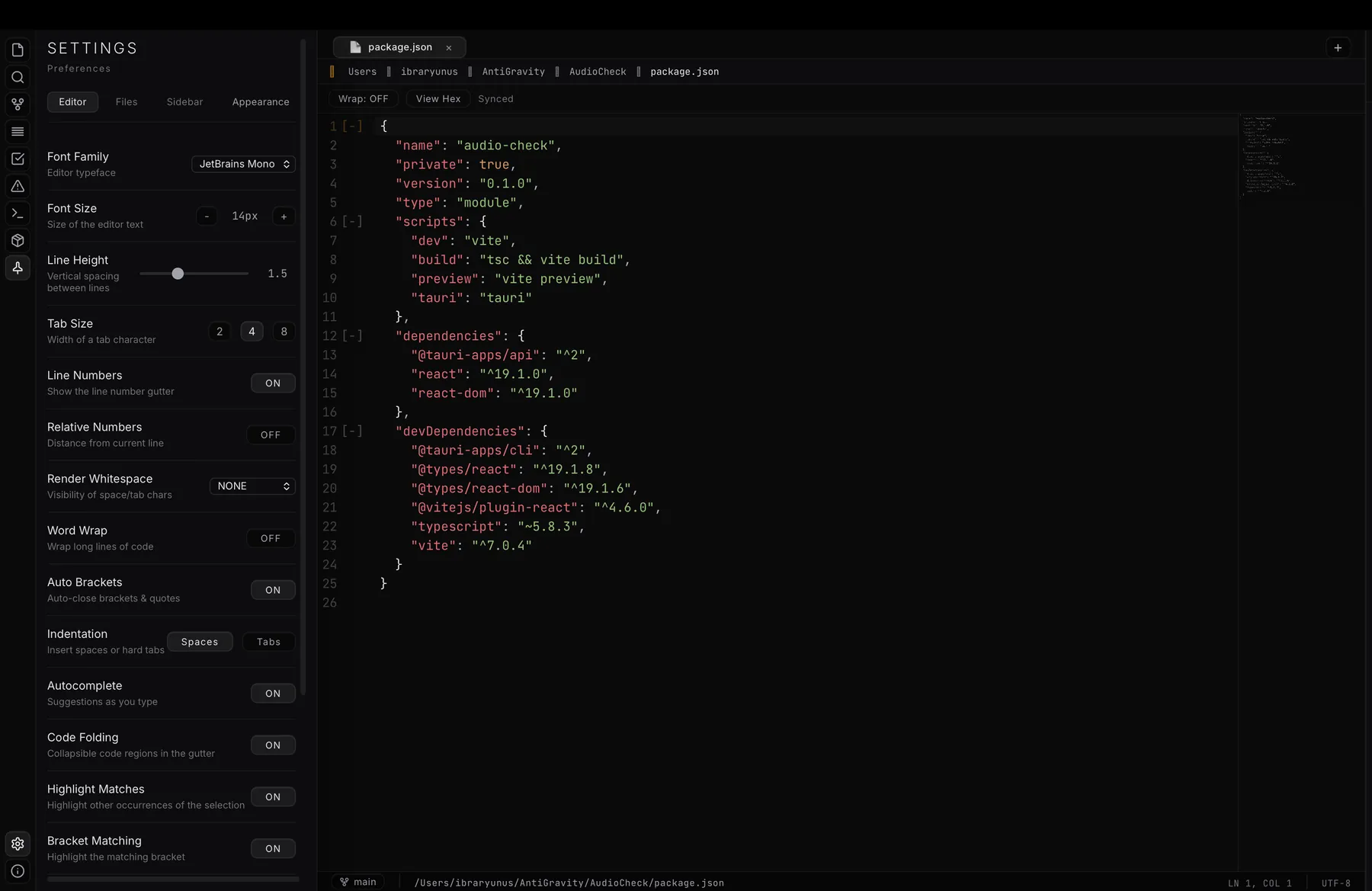
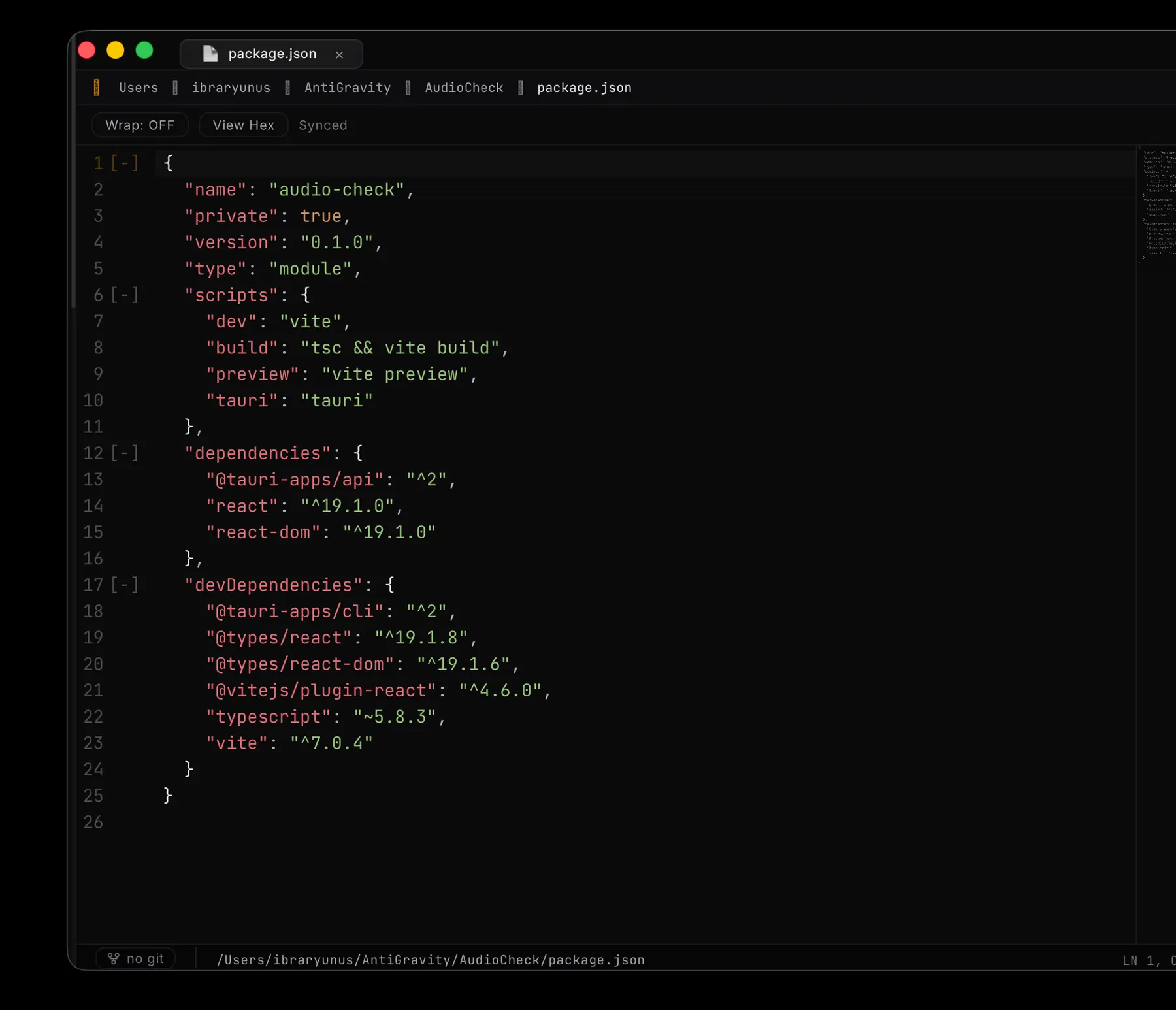
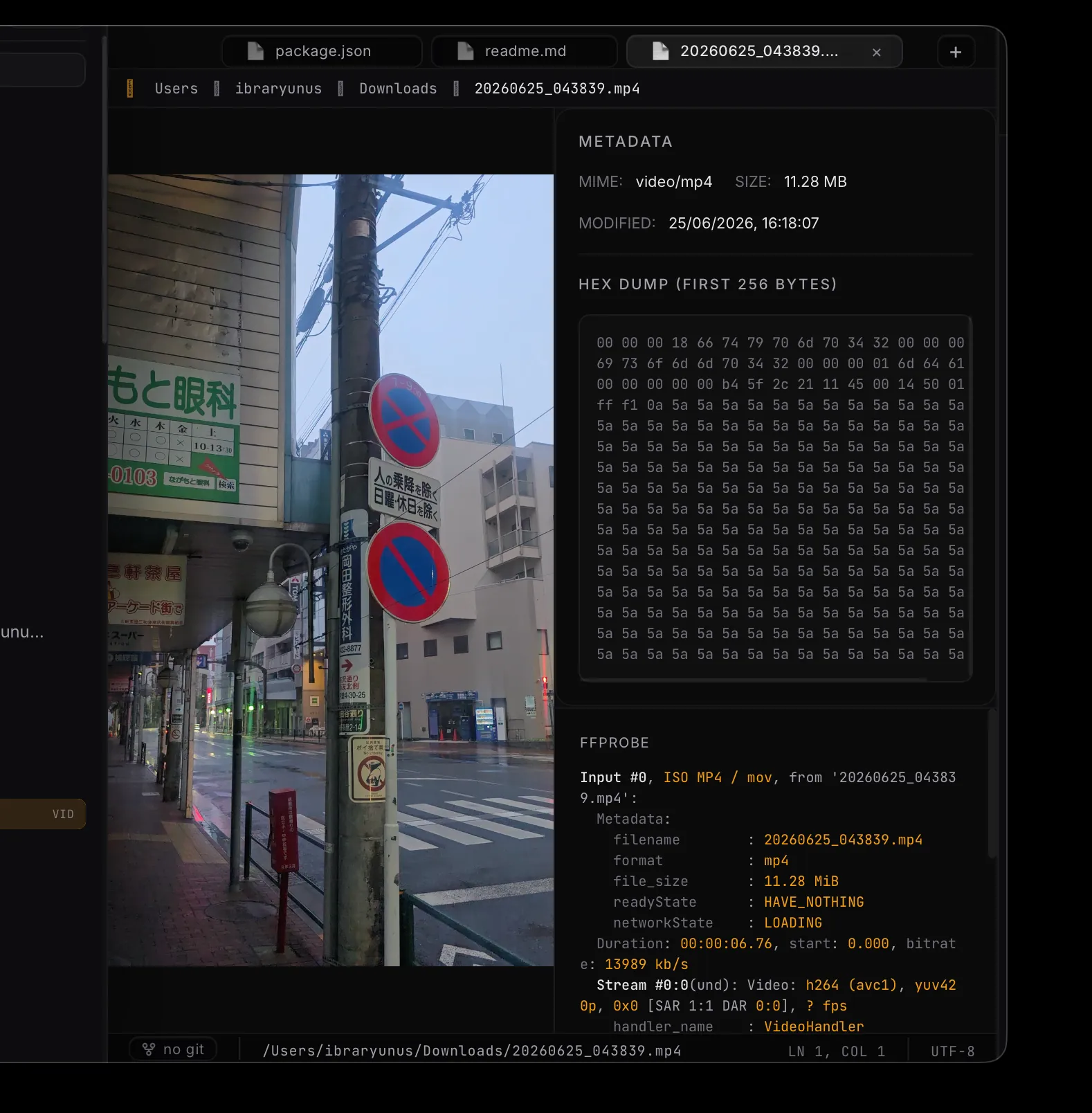
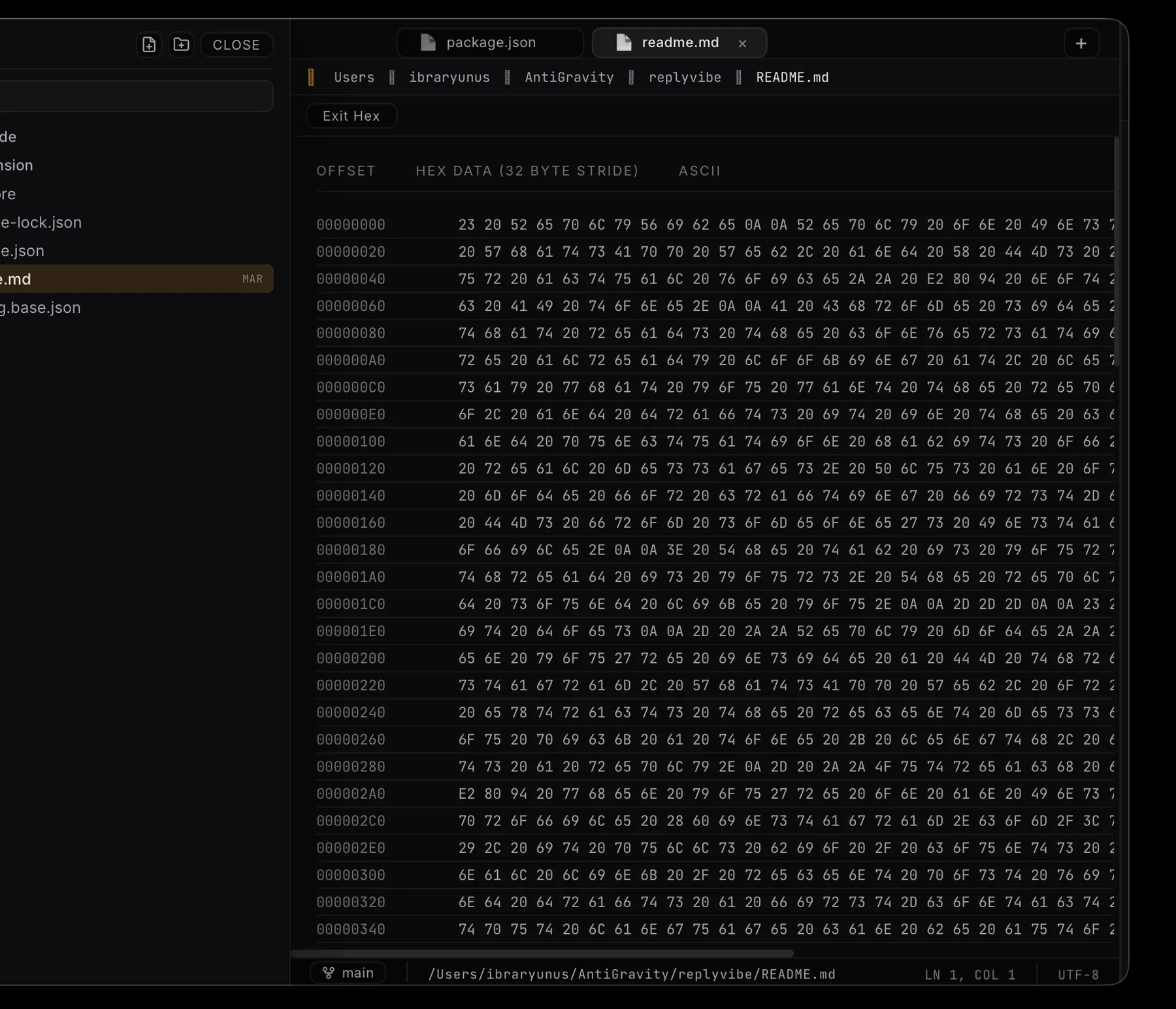
MIST IDE is an exercise in restraint: proving an IDE can stay calm and brutalist on the surface while doing all the heavy lifting underneath — and then shipping it the right way, signed and notarized, for people to actually download and use.
What It Does
Split Editor
View and edit two files side by side with a focused-pane model and a Cmd-backslash shortcut — the standard IDE split, done natively.
Native macOS Fullscreen
Real fullscreen with its own Space and native traffic-light window controls, not a faked borderless maximise.
Full Git Workflow
Stage, commit, branch and push from inside the editor, with inline gutter diffs and GitHub integration — no separate client.
LSP Intelligence
A proper language-server client gives completion and diagnostics across languages, not regex-based guesses.
Embedded Terminal
A real pty terminal via xterm.js sits alongside your code, so the loop never leaves the window.
Signed & Notarized
Distributed as a Developer-ID-signed, Apple-notarized DMG — it downloads and opens cleanly on any Apple-Silicon Mac.
Changelog
- +Editor — Side-by-side split editing (⌘\) with a focused-pane model; CodeMirror 6 across 25+ languages with multi-cursor, code folding and find & replace.
- +Window — Real native macOS fullscreen with its own Space, plus native traffic-light controls replacing the previous custom window chrome.
- +Terminal — Embedded PTY shell (zsh) over portable-pty with xterm.js, a hover-to-reveal panel and pinning.
- +Intelligence — LSP client for completion and diagnostics, a Problems panel and a task runner.
- +Git — Branch switching, staged/unstaged status, inline gutter diffs and GitHub sign-in, all in-editor.
- +Files — Project tree with create / rename / delete, live filesystem watching, a formatter and format-on-save.
- +Distribution — Shipped as a hardened-runtime, Developer-ID-signed and Apple-notarized DMG for Apple Silicon.
Where It Stands
MIST IDE 0.1.0 is shipped — a signed, Apple-notarized download with git, LSP, an embedded terminal, native fullscreen and a split editor. The natural direction is extensibility — a plugin surface and broader language support — and a universal build, all on the same small, fast Tauri/Rust core rather than reaching for Electron.
MIST IDE is Tauri 2 with a Rust core and a Svelte 5 (Runes) UI on Vite. Editing is CodeMirror 6; the embedded terminal is xterm.js over portable-pty; code intelligence is a genuine LSP client. It ships as a hardened-runtime, Developer-ID-signed and Apple-notarized DMG for Apple Silicon — native, compact and fast, deliberately not Electron.